Council Of Management Science & Technology

MS Excel Formulas

- Description
- Curriculum
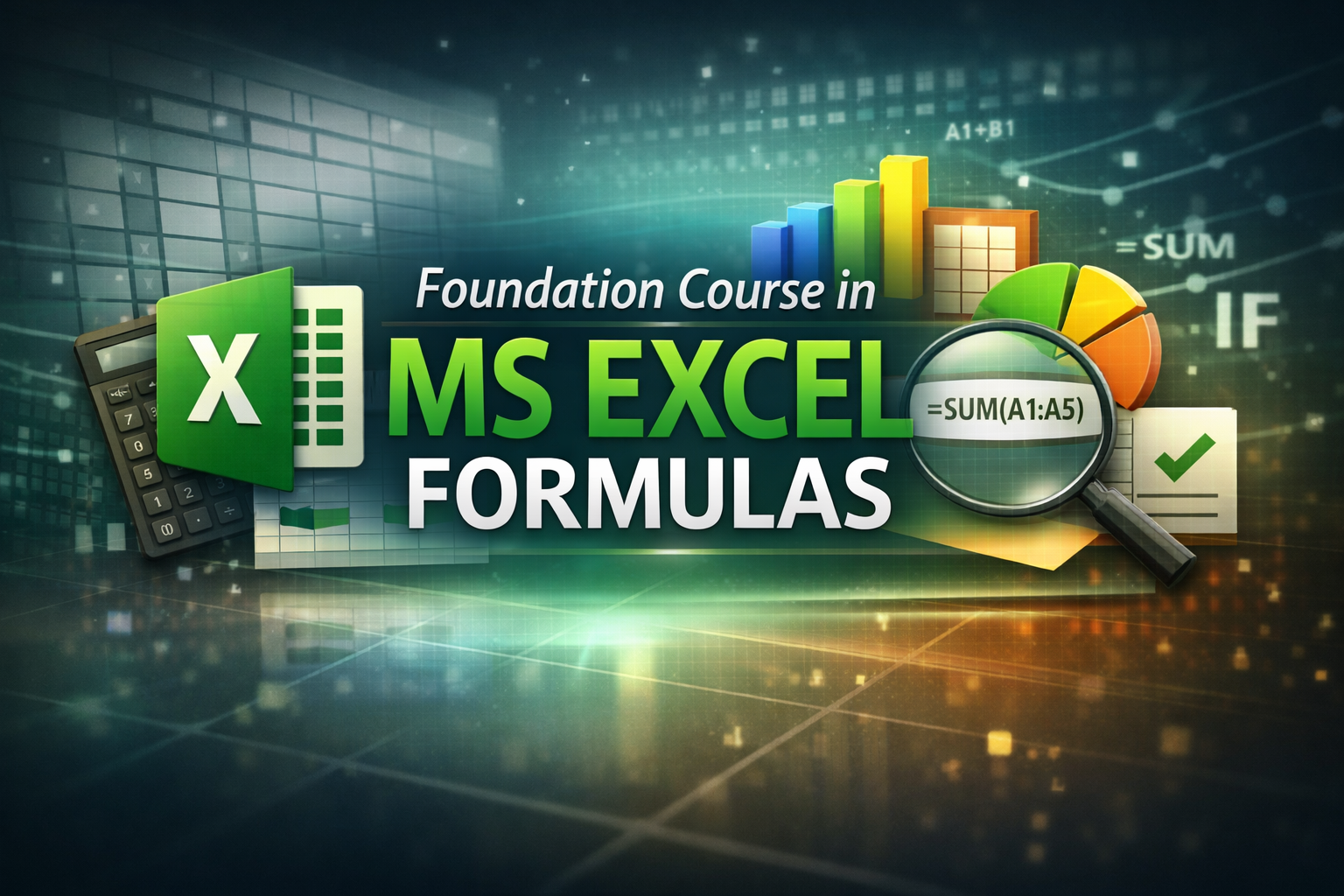
Foundation Course in MS Excel Formulas
⏱ Duration: 1 Hour | 🎓 Level: Foundation | 📜 Mode: Online / E-Learning
Course Introduction
The Foundation Course in MS Excel Formulas is a beginner-friendly, skill-oriented program designed to introduce learners to the most important formulas and functions used in Microsoft Excel. In today’s digital world, Excel is one of the most essential tools for students, professionals, and business owners. This one-hour foundation course focuses on building strong basics so learners can confidently perform calculations, manage data, and automate simple office tasks.
This course starts with a clear understanding of how Excel works, including cells, rows, columns, and worksheets, along with the concept of formulas and functions. Learners will be guided through writing correct formula syntax, using cell references, and understanding common formula errors. Step-by-step demonstrations help remove fear and confusion, making the learning process simple and practical.
Participants will then learn essential calculation formulas such as SUM, AVERAGE, MIN, MAX, COUNT, and COUNTA, which are widely used in daily office work, accounting support, academic projects, and business records. The course also introduces logical and conditional formulas like IF, COUNTIF, and SUMIF, enabling learners to analyze data, create result sheets, attendance records, and basic reports.
To strengthen practical application, the course includes basic text functions and an introduction to lookup functions such as VLOOKUP or XLOOKUP, helping learners understand how Excel can connect and organize data. Real-life examples such as marks sheets, salary sheets, and expense reports are used to build confidence.
By the end of this foundation course, learners will be able to create simple automated spreadsheets, apply commonly used formulas, and work more efficiently in academic, office, or business environments. This course also serves as a strong base for advanced Excel, data management, and accounting software training.
To help learners understand and use essential MS Excel formulas for daily office work, data handling, calculations, and basic reporting.
📘 Course Structure
🔹 Module 1: Basics of Excel Formulas
🔹 Module 2: Essential Calculation Formulas
🔹 Module 3: Logical & Conditional Formulas
🔹 Module 4: Data Handling & Lookup Basics
🔹 Module 5: Practical Use & Quick Revision
👥Who Can Enroll
-
School & college students
-
Office assistants & data entry operators
-
Teachers & trainers
-
Small business owners
-
Beginners with no prior Excel knowledge
🎓Learning Outcomes
After completing this course, learners will be able to:
-
Understand how Excel formulas work
-
Perform basic and conditional calculations
-
Use common Excel functions confidently
-
Create simple automated sheets
-
Apply formulas in office, business, and academic work
📈 Career & Practical Benefits
-
Office executive
-
Computer operator
-
Accountant assistant
-
MIS executive
-
Data handling roles
-
Improves productivity in any profession
(Note: This course supports employability but does not guarantee a job.)
⚠️Important Note / Disclaimer
This is a foundation awareness and skill-building course. It builds strong basics for higher-level Excel, data analysis, and accounting software learning.
📢 Call toAction – Enroll Now
👉 Start your MS Excel Formulas journey today!
👉 Enroll now and master essential MS Excel formulas to boost your productivity and career skills.
Join today and take your first step towards confidence in MS Excel Formulas.
👉 Enroll now on www.cmstindia.com
📜 Certification
Upon successful completion of the Foundation Course in MS Excel Formulas and the final online assessment, learners will be awarded a:
“Foundation Course in MS Excel Formulas”
This certificate will be issued by CMSTIndia.com – Council of Management Science & Technology.



 Google